
Efficiency Isn’t Always About Automating
Sometimes, you just need to get organized and build a process to follow.
Automation is great, but the process needs to come first.
Our internal receipt tracking process is a great example of this. As we capture our expenses every month, the entire workflow is efficient because we:
Have the Google Drive app downloaded onto our cell phones so that we can capture physical receipts in the moment, rather than letting them pile up into a monthly project
Have the “Expenses” Google Drive folder as a favorite in Drive so we can quickly and easily get to it when we’re scanning physical receipts in the moment
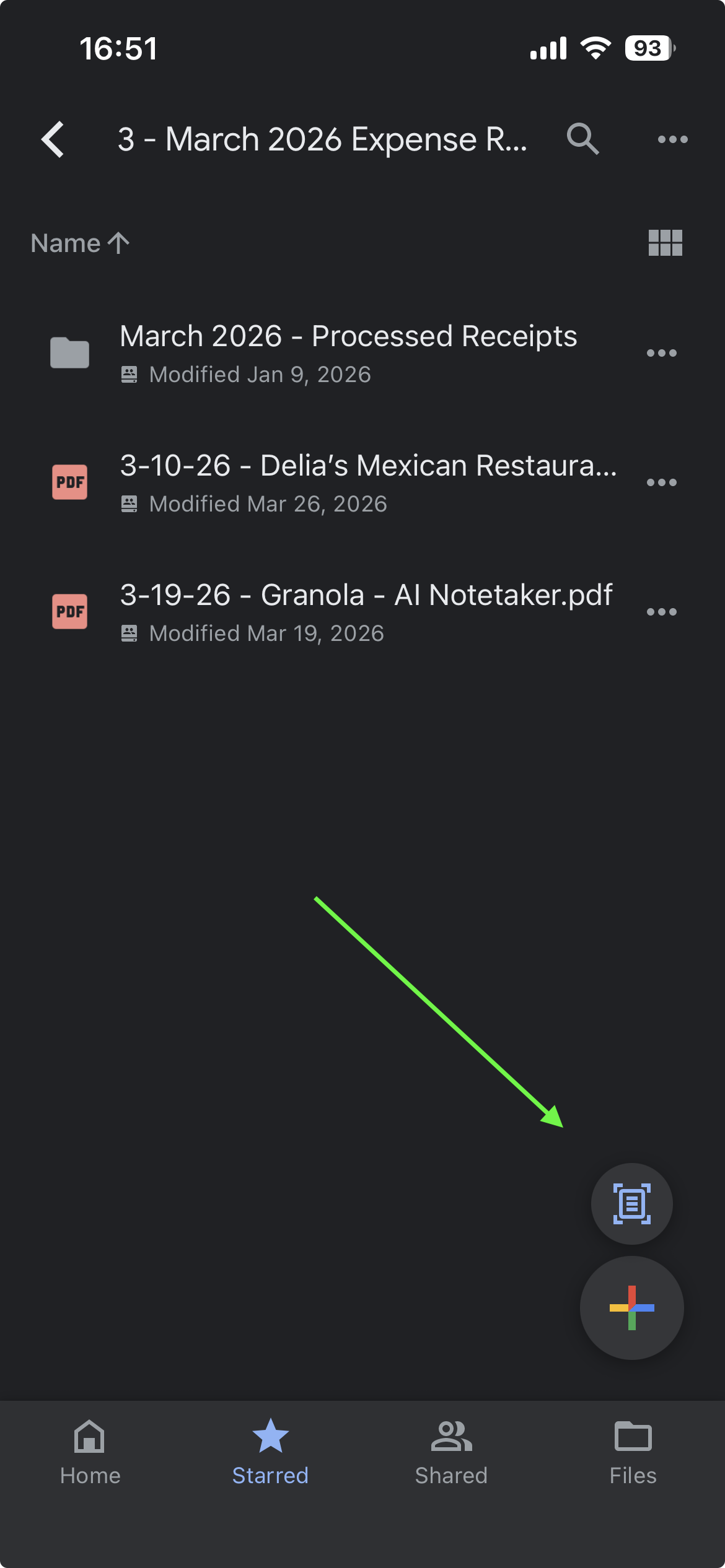
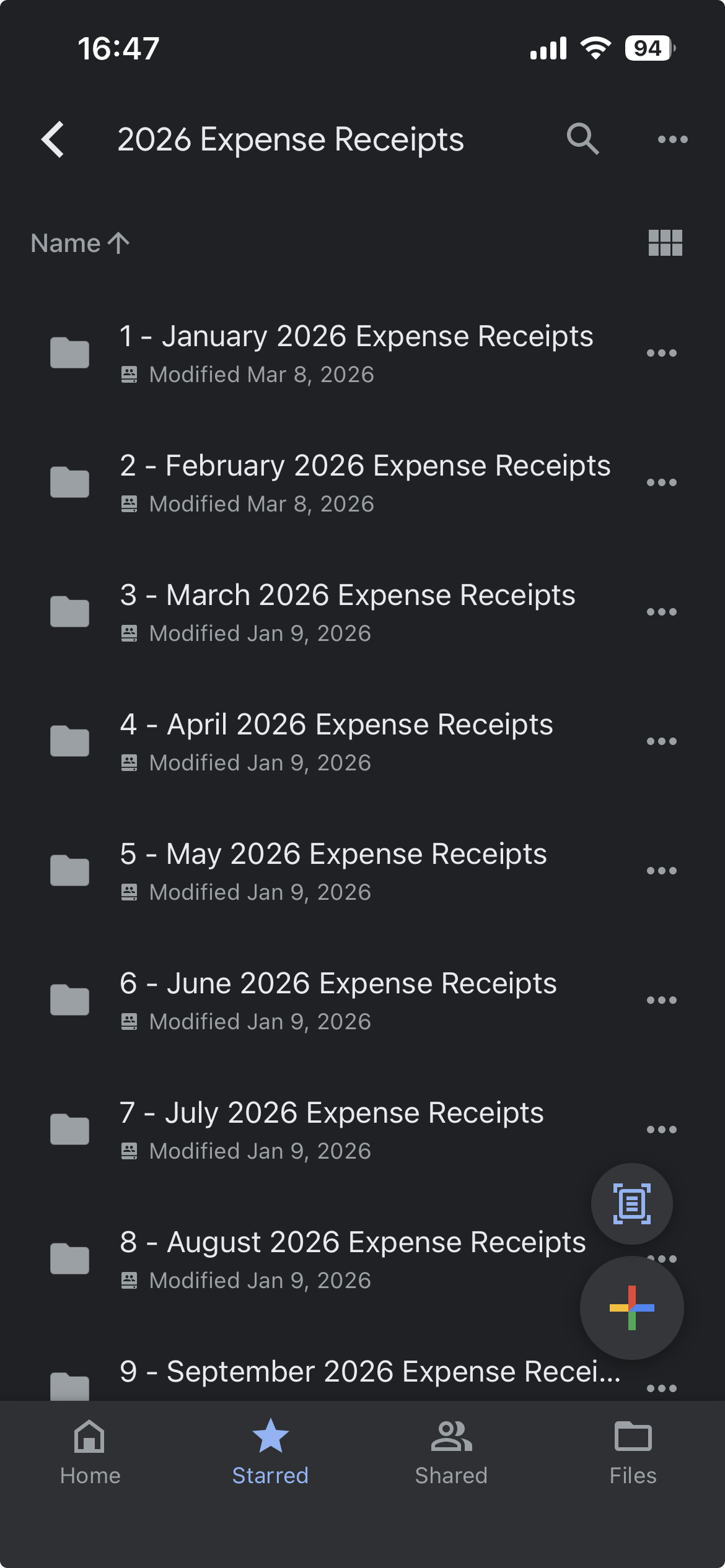
Have a simple naming convention for our receipts, making it easy to sort by date, see who the vendor is, and know exactly what the expense was for
Can copy the expense details straight from the receipt file and paste them into QuickBooks, ensuring continuity and clear expense tracking, where we generate our accounting reports
Have a nested “processed” folder with each month’s receipt folder that makes it easy to get processed receipts out of the way once they’ve been matched to an expense in QB
This isn’t to say that we don’t have any automations set up to support this process—we do.
But we actually want certain parts of the process monitored by a human, so we made the human aspects as organized as possible to create additional efficiency.
When Automation Becomes Obvious
With that process in place, it actually made it easy to see what could be automated, and what instructions needed to be built into the automation.
For example, when Greg built the Google Apps Script that automatically moves receipts from our email accounts directly into the right folder in Google Drive, he knew exactly how to prompt Gemini to create the Apps Script because we already defined the process ahead of time by doing it manually.
He was able to describe the logic of which folder to move receipts to each month or year, and exactly how to name the receipt file based on our naming convention. 🤓🤩
Build the Process First
In this case, we got organized first, then did the work manually to figure out exactly how we wanted the receipt tracking system designed. In other words, we built the process before we ever attempted to automate it.
If your processes feel clunky or chaotic, start by getting organized. Get everything you need to do drafted out in a document or piece of paper, then run it all manually to see how it works.
Once that’s humming along, then you can tie it all together with automation to create even more efficiency.