
Creating Space for Clarity
Clarity comes because you create space for it.
In the last 6 months, we’ve had two clients who overhauled their brand and website while working with us. We didn’t manage those projects, but our work brought them to the surface.
Cognitive overload is real, and getting things out of your brain and into an organized format creates capacity for new thoughts and ideas to come through.
You can't think clearly when your brain is full.
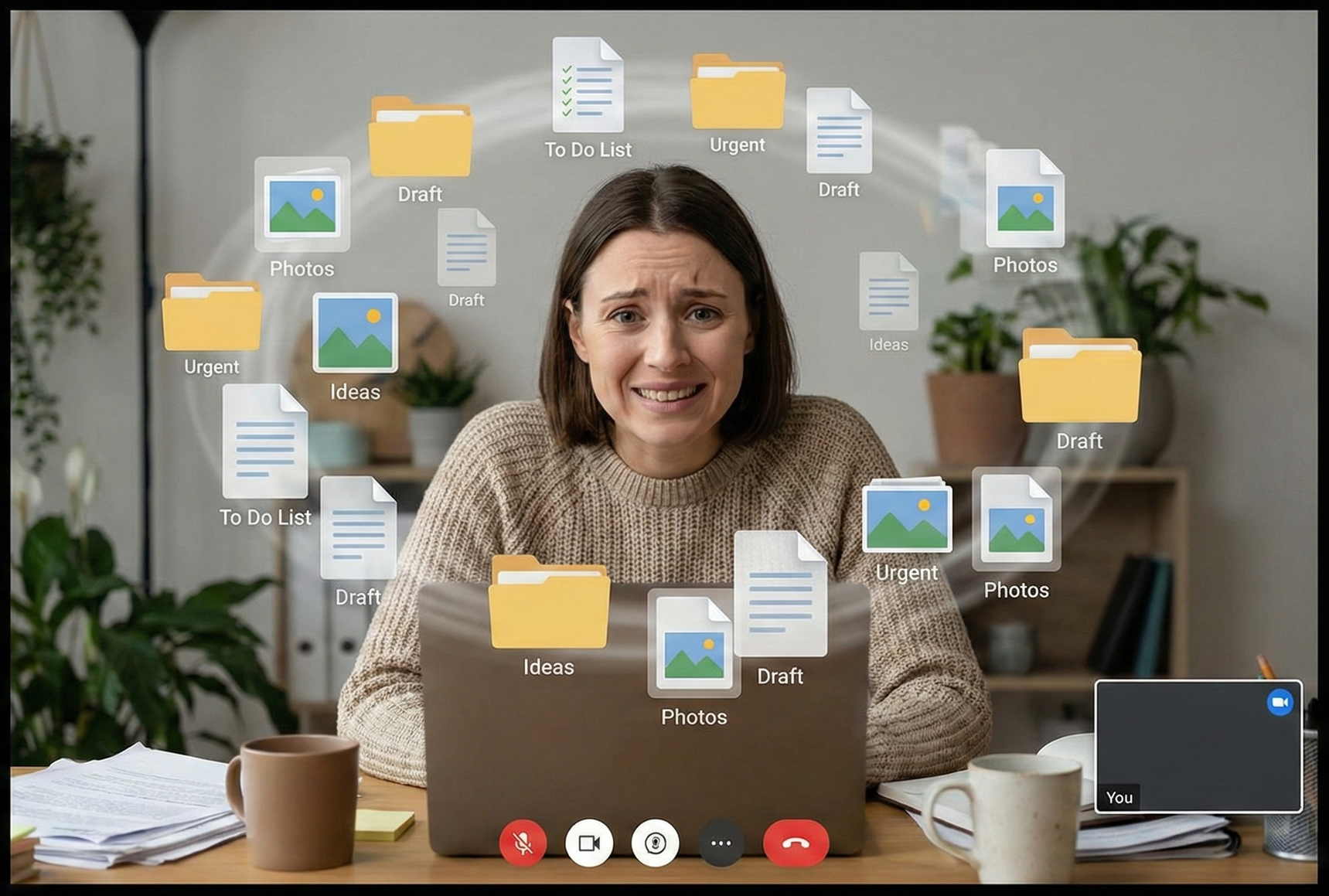
Getting your operations organized isn't just about efficiency—it's about creating the mental space you need to see your business clearly and make strategic decisions that move you forward.
So what are some ways you can create space for clarity?
1.) Map out your processes
The goal here is to get your processes out of your head and into some type of shareable format. Digital tools (docs, notes, spreadsheets) work best for future edits and shareability, but whatever medium you prefer is the best one to start with–you can always move them later.
2.)Refine your services
When was the last time you revisited the services you’re offering and whether they’re serving you, your clients, and your team?
Sometimes you need to dive deep and evaluate every step of your delivery process to ensure you’re charging enough. Other times, you need to repackage a service entirely, like turning a three-month service into a one-day service.
We recently did this with our Operations Sprint–it’s a two-day offering that serves up a slice of what we’d cover in our longer three-month Operations Uplevel. Our clients need quick, high-leverage wins when they don’t have the time, capacity, or budget for a longer engagement.
3.) Do a structured brain dump
This is essentially an exercise of getting every single thing out of your brain that’s floating around in there. Setting up categories to organize what comes out of your brain can be helpful, and you can feel free to create those on-the-fly as the categories reveal themselves.
4.) Clear out files
Empty your downloads folder (delete or relocate). Clean up your Desktop if you store files on it. Make sure you’ve moved things to the cloud that need to be stored there long-term or shared with your team. Clearing out files doesn’t have to be a herculean task; it’s just meant to move some “digital energy” in the same way that clearing a physical space does.
5.) Close browser tabs
You can obviously just close things out entirely, but if you need to save your tabs, you can use bookmarks. Or, if you’re using Google Chrome, you can use Tab Groups. We talk about Tab Groups in more detail in our recent blog post, Compartmentalize to Avoid Burnout, and they’re honestly one of my favorite free, light-lift ways to get organized.
Final Thoughts
Your brand refresh, your website overhaul, your next big idea — none of those come when you're drowning in details. They surface when you've created the space for them.
Do the intentional, unglamorous work of getting your business out of your head, cleaning up your digital environment, and giving your brain room to breathe. The clarity you want, the strategy you need, and your next right move are waiting for you on the other side.
And if you need some accountability or coaching through the frameworks we shared, book a Discovery Call and let’s chat!